Time to get my “print” on
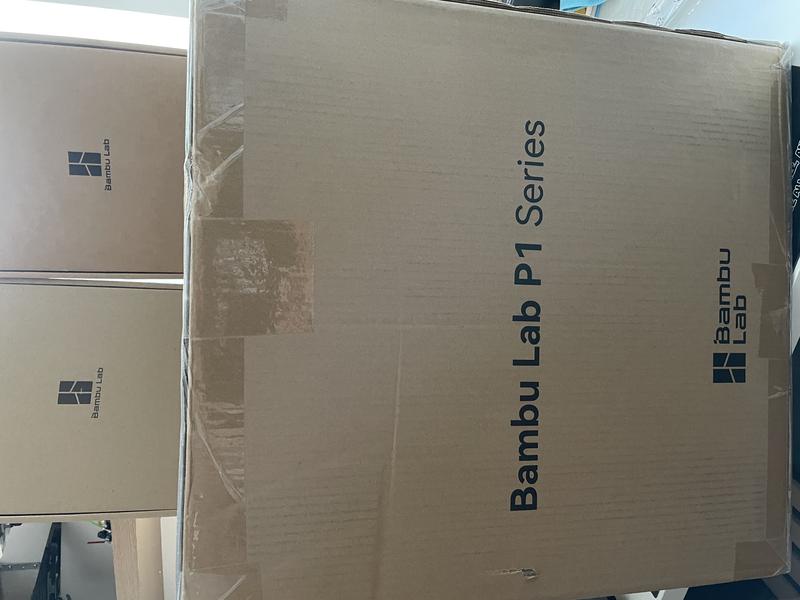
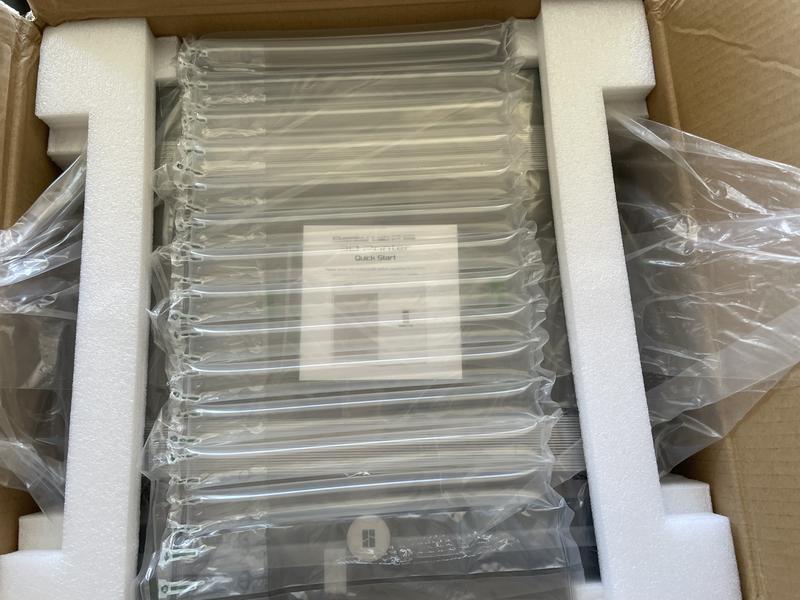
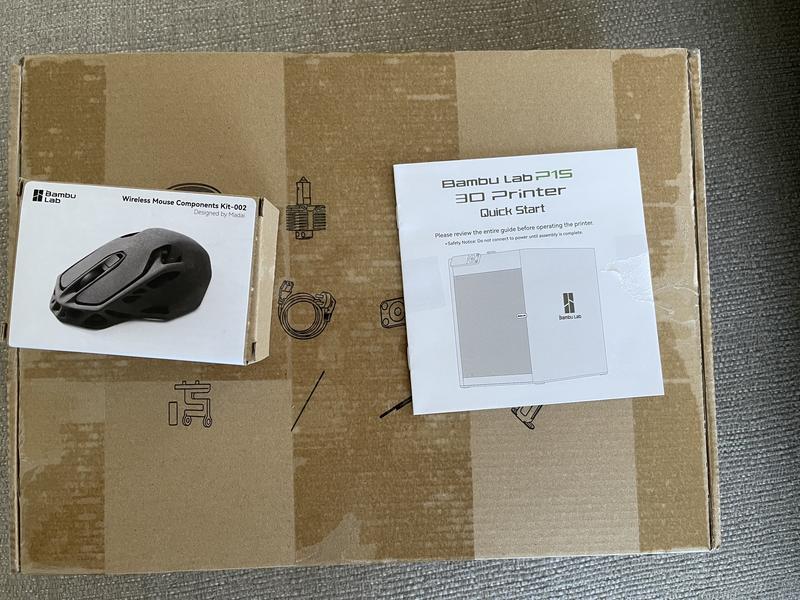
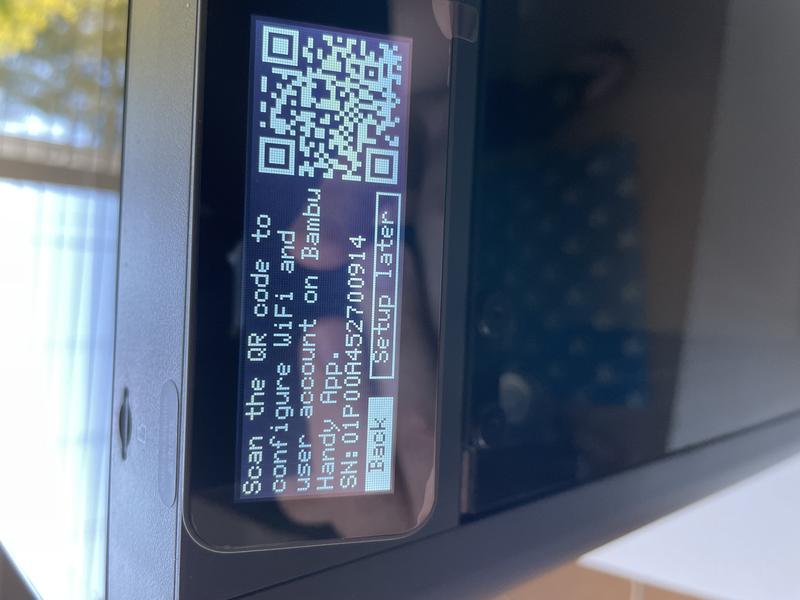
Exciting times ahead! As I mentioned in my earlier post, I have been eagerly waiting for my new 3D printer to arrive. After much consideration, I decided to go with the Bambu Lab P1S. For now, I opted not to get the bundled AMS unit. In this post, I’ll share why I chose this version over others and my initial impressions.
P1P: Great price but not enclosed, whilst I do not need the enclosure now, I think that this allows more filament types to be used. Yes, I can enclose the P1P after the fact with an official upgrade. I did some quick maths, and determined at the price I got it for, it simply made sense as the upgrade would cost after the fact.
X1C: I could not justify this price for what I need this for, my use case is printing replacement parts for upgrades, house items and very basic items that I design (I am dipping my toe in Fusion 360, this makes a 3D printer truly useful). I am also using my 3D printer for management items like Multiboard and Gridfinity. It does have a really nice touch screen and yes the frame rate for the camera is MUCH better than the 1fps camera on the P1S.
AMS: A very simple and easy plug and play upgrade, I am going to focus on learning this printer and getting the basics right before I go high-tech with an AMS. In time, YES but not right now.
There are a lot of upgrades and changes you can make or print for the P1S. There is an aftermarket screen – the BIGTREETECH Panda Touch V1.0 – 5 Inch Touch Screen with Multi-Printer, Wireless Control For Bambu Lab X1, P1 and A1 Printers and the camera can be addressed in other. This is where I would like to focus my time, add-ons and changes to the printer WITHOUT worrying about the print quality, time and speed.
And a quick video of the printer in action. Thank you to this for the video shortcode and the resulting video below.
Here is a sample print.
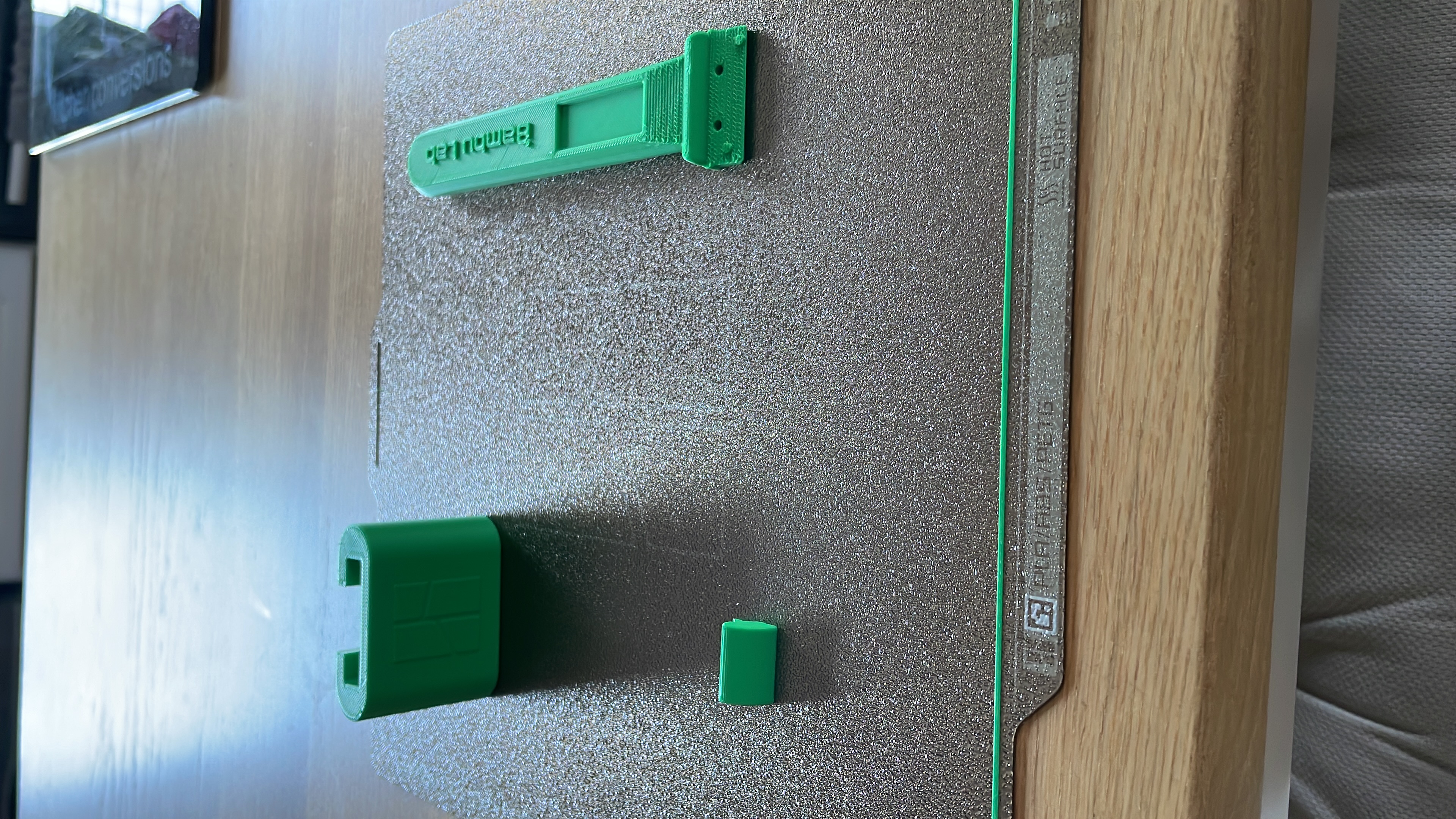
More on this printing journey to come. Until then, happy printing.